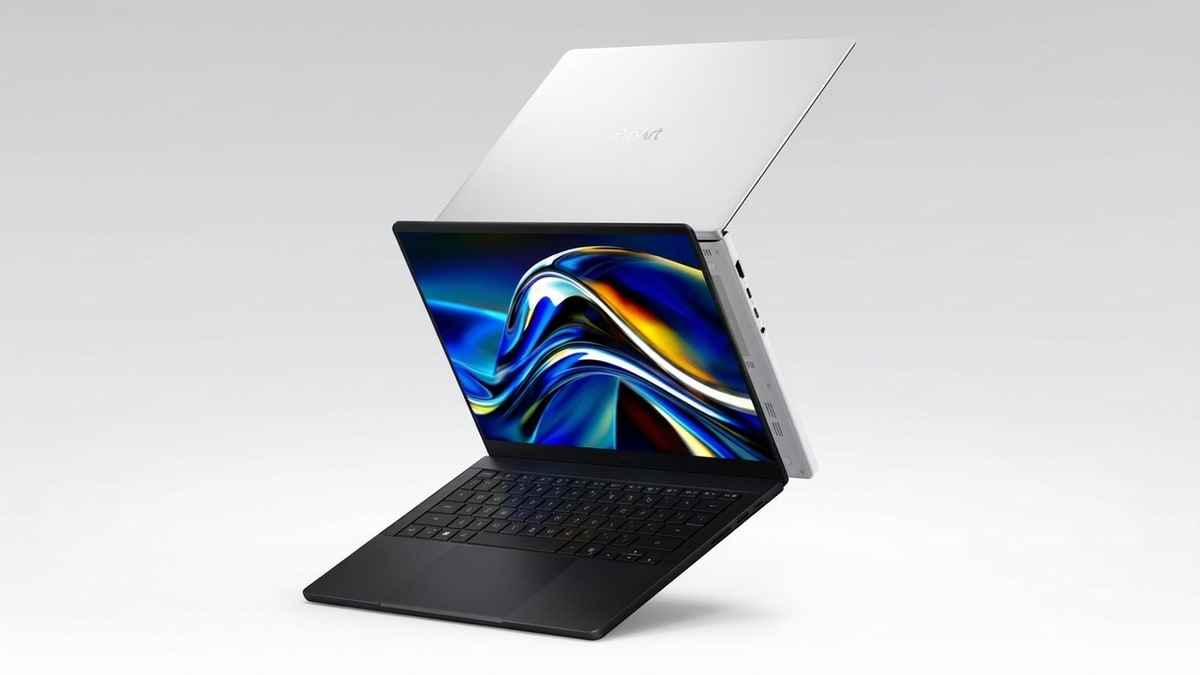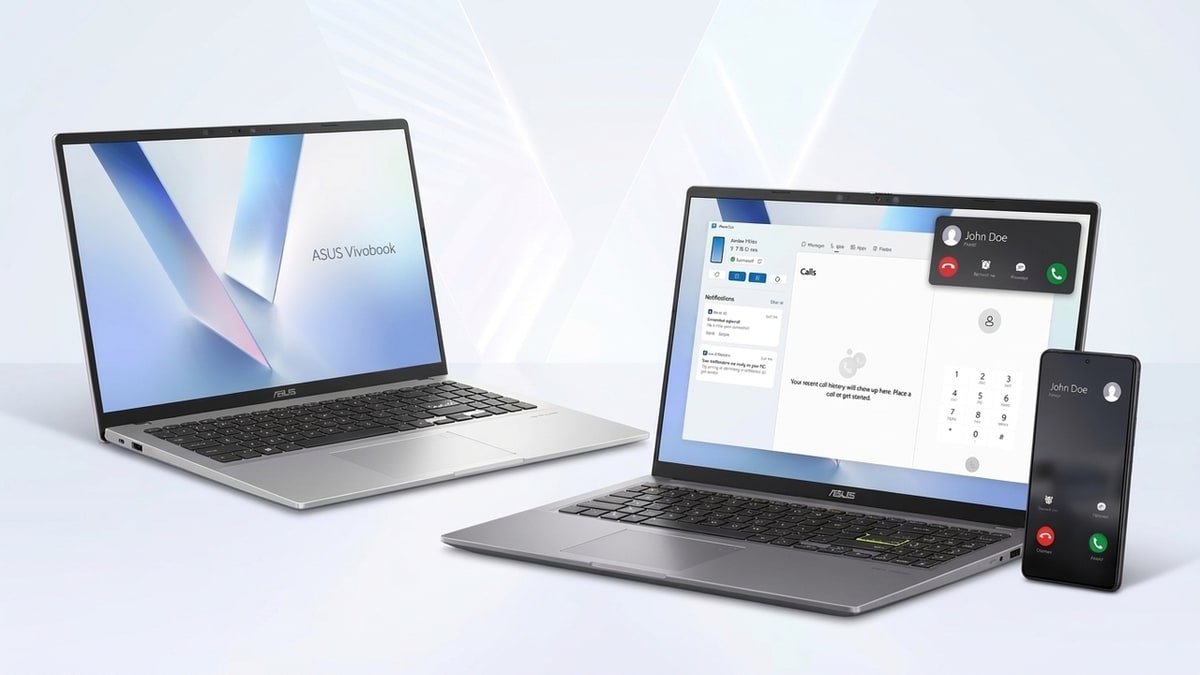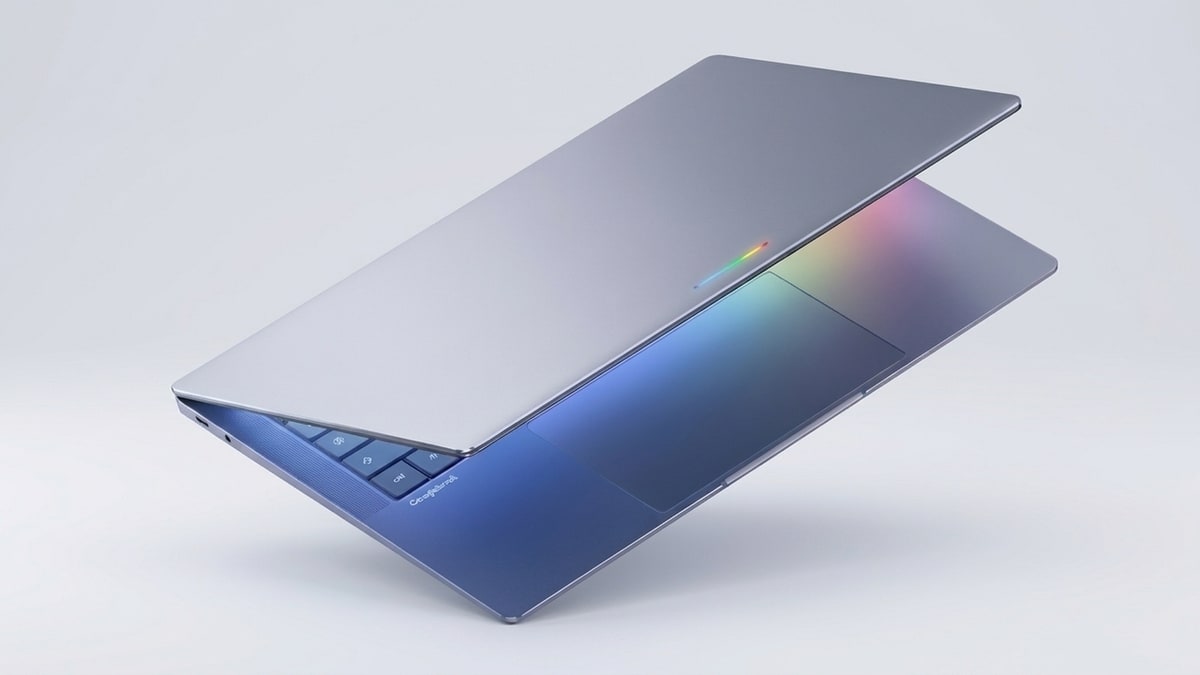
Buying an Intel Googlebook means trusting a translation layer with your Android apps. Googlebook Intel compatibility looks strong, because Google says 96.6% of its top 10,000-plus apps run well. A few complex apps and games may still need developer updates.
Do Android apps work on Intel Googlebooks?
Yes, most Android apps run well on Intel Googlebooks. Google says 96.6% of the top 10,000-plus most-used apps are available and run flawlessly on them.
Google removed the other 3.4% from Play on Google Books, mostly because they don’t suit large screens. Some need a sensor laptops lack, like a gyroscope.
Separately, Google told reporters that a small handful of complex apps and games need developer tuning on Intel. Intel has pushed back on that view, so independent tests will matter. Google has not published a list of affected apps.
How does the Intel translation layer work?
Googlebook Intel compatibility starts with chip design. Phone apps are built for ARM chips, while Intel laptops use x86 chips.
Intel Googlebooks convert 64-bit ARM code into 64-bit Intel code while an app runs. Google describes this as binary translation and says it avoids emulation. Many apps already ship an x86 version, so they skip the step.
Snapdragon models use ARM chips, so apps run natively there. Google has said those models support Android apps better. Its numbers suggest everyday apps run fine on either chip.
Googlebook laptops Intel vs Snapdragon: which one fits you?
In the Googlebook laptops Intel vs Snapdragon choice, Snapdragon is safer for apps. Intel wins on entry price.
| Factor | Intel models | Snapdragon models |
|---|---|---|
| Launch models | Acer, ASUS, Lenovo | Dell, HP |
| Chip | Intel Core Ultra Series 3 | Snapdragon X Elite |
| Android apps | Translation layer for ARM-only apps | Run natively on ARM |
| Longest battery claim | Up to 16 hours | Up to 19 hours |
| Starting US price | $899 | $999 |
Choose Intel if:
- You checked that your key apps run on it.
- You want the cheapest model, the $899 Acer.
- You want a bigger 15.3-inch screen, like the Lenovo.
Choose Snapdragon if:
- You play complex Android games.
- You want the longest battery claim, up to 19 hours on the HP.
- You want a compact 13.4-inch body, like the Dell.
Battery figures are manufacturer claims, so real use will vary.
Googlebook Intel compatibility checklist before you buy
Googlebook Android app compatibility varies by app, so test your must-haves before you pay.
- Write down the 5 apps you use every day.
- Search each one on Google Play and read reviews that mention laptops.
- Check games first, since complex titles carry the most risk.
- Ask the seller to open your apps on the laptop.
- Confirm your phone runs Android 17 if you want the phone features.
Do you need Android 17 for Googlebook phone features?
Yes, several phone-to-laptop features need a phone running Android 17. These include:
- Browsing your phone’s files from the laptop
- Continuing tasks with Continue On
- Syncing notifications
- Streaming your phone’s screen and apps
Older Android versions don’t get these features. App compatibility is a separate question.
Googlebook price in Pakistan: every model compared
Googlebook prices start at $899 in the US, or about Rs 250,000 at roughly Rs 278 per dollar.
| Model | Chip | Screen | US price | Approx. PKR |
|---|---|---|---|---|
| Acer Googlebook 14 | Intel Core Ultra 5 | 14-inch 2.8K OLED, convertible | $899 | Rs 250,000 |
| Dell XPS Googlebook | Snapdragon X Elite | 13.4-inch 2.5K LCD | $999 | Rs 278,000 |
| Lenovo Googlebook 15 | Intel Core Ultra 5 | 15.3-inch 2.8K OLED | $1,099 | Rs 306,000 |
| HP Googlebook 14 | Snapdragon X Elite | 14-inch 2.8K OLED | $1,199 to $1,299 | Rs 333,000 to Rs 361,000 |
| ASUS Googlebook 14 | Intel Core Ultra 5 or 7 | 14-inch 2.8K OLED | $1,299 | Rs 361,000 |
Early reports listed Dell at $1,199 and Lenovo at $1,299. Both makers later confirmed lower prices. Acer says its $899 price is a limited-time offer.
Every Googlebook includes 12 months of Google AI Pro, per Google. The company also promises up to 10 years of updates.
Converted prices exclude import duty, shipping and dealer margin. Local prices will likely run higher.
Google’s launch covered the US on 4 October. Canada, the UK, Ireland, France, Germany and Australia followed on 5 October. We found no official Pakistan launch or local price yet.
Our Lenovo Googlebook 15 price in Pakistan guide covers one model in more detail.
How to buy a Googlebook safely in Pakistan
Verify the model and the seller before you pay. New models can bring mislabeled specs and fake listings. Read our online safety tips for classifieds in Pakistan before you meet any seller.
- Match the model name and chip on the box, invoice, and laptop.
- Ask for a live video of your key apps running.
- Test the touchscreen, keyboard, trackpad, and charging.
- Meet in a public place and pay after inspection.
- Ask about warranty, since imported units may lack local cover.
Should you buy a Googlebook now or wait?
Buy now if your key apps check out and a trusted seller quotes a fair price. Wait if an app is untested, your phone can’t run Android 17, or you need local warranty.
Prices move within two weeks of launch, so check again before you pay.
Browsing active laptop listings on DealDone regularly gives you a real-time picture of what buyers pay and sellers ask.
Check Googlebook Intel compatibility first, then compare prices on live listings. Selling an old laptop to fund the upgrade? Post a free ad on DealDone and reach local buyers.
Frequently Asked Questions
Do Android apps work on Intel Googlebooks?
Yes, most do. Google says 96.6% of the top 10,000-plus apps run well on Intel models. Complex games may need developer updates.
Is Snapdragon better than Intel for a Googlebook?
Snapdragon is the safer pick for Android apps, since those chips run them natively. Intel models start cheaper. Choose based on your must-have apps.
Which Android apps do not work on Intel Googlebooks?
Google has not published a list. It says a small handful of complex apps and games need developer tuning. Test your key apps before buying.
Do I need Android 17 for Googlebook phone features?
Yes. File browsing, Continue On, notification sync and screen streaming need a phone on Android 17. Older versions don’t get them.
Can my Chromebook upgrade to Googlebook OS?
Maybe. Google says some newer Chromebooks may get an upgrade path, but it hasn’t named them. Chromebooks keep their own support. Selling an old one? Check the Chromebook price in Pakistan guide first.
How much does a Googlebook cost in Pakistan?
We found no official Pakistan price yet. US prices run from $899 to $1,299, or about Rs 250,000 to Rs 361,000 at Rs 278 per dollar. Import costs will add more.
Questions about a listing or an ad? Contact us anytime. Follow DealDone Pakistan on Facebook, Instagram and LinkedIn for local deals and buying guides.