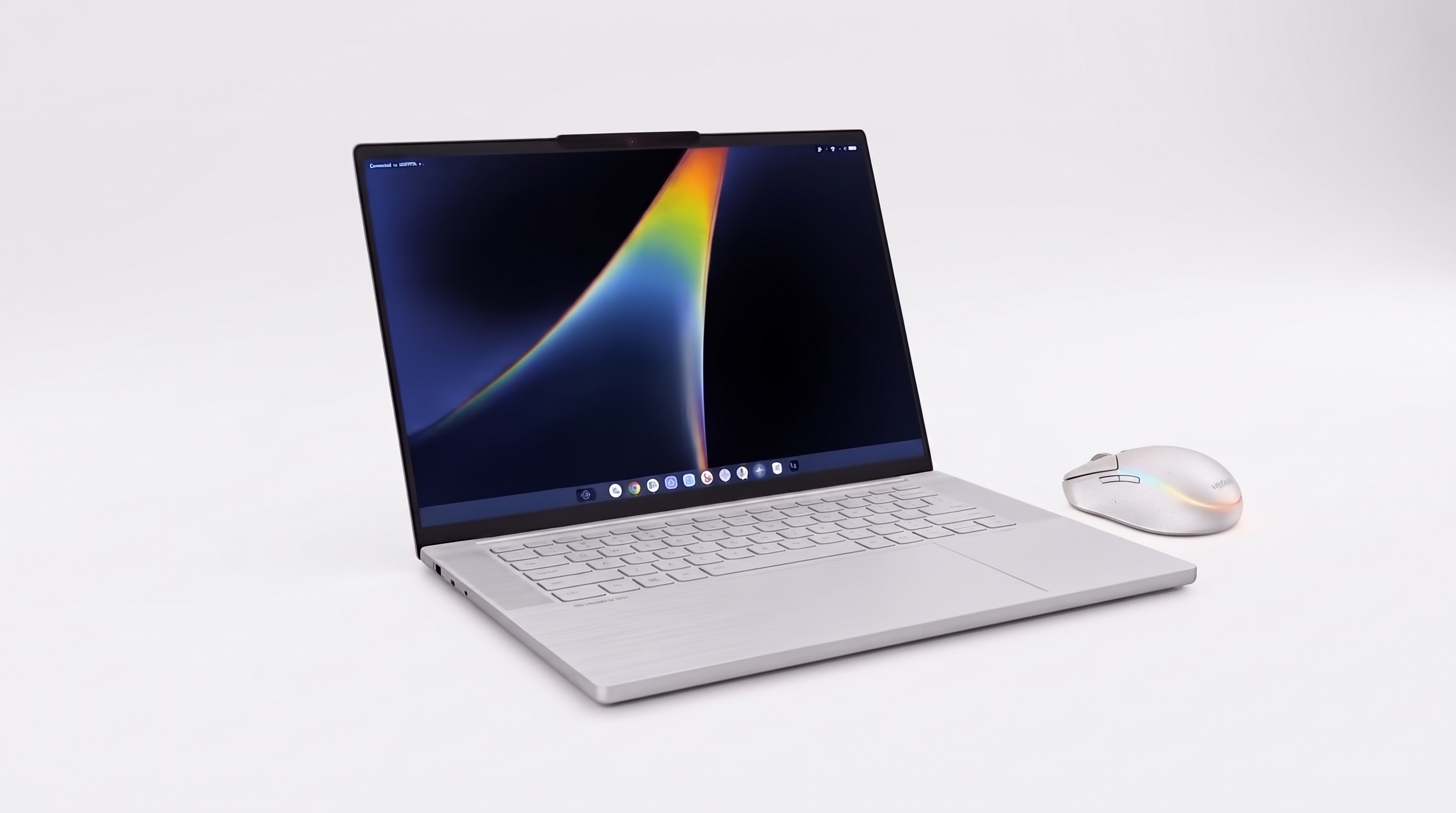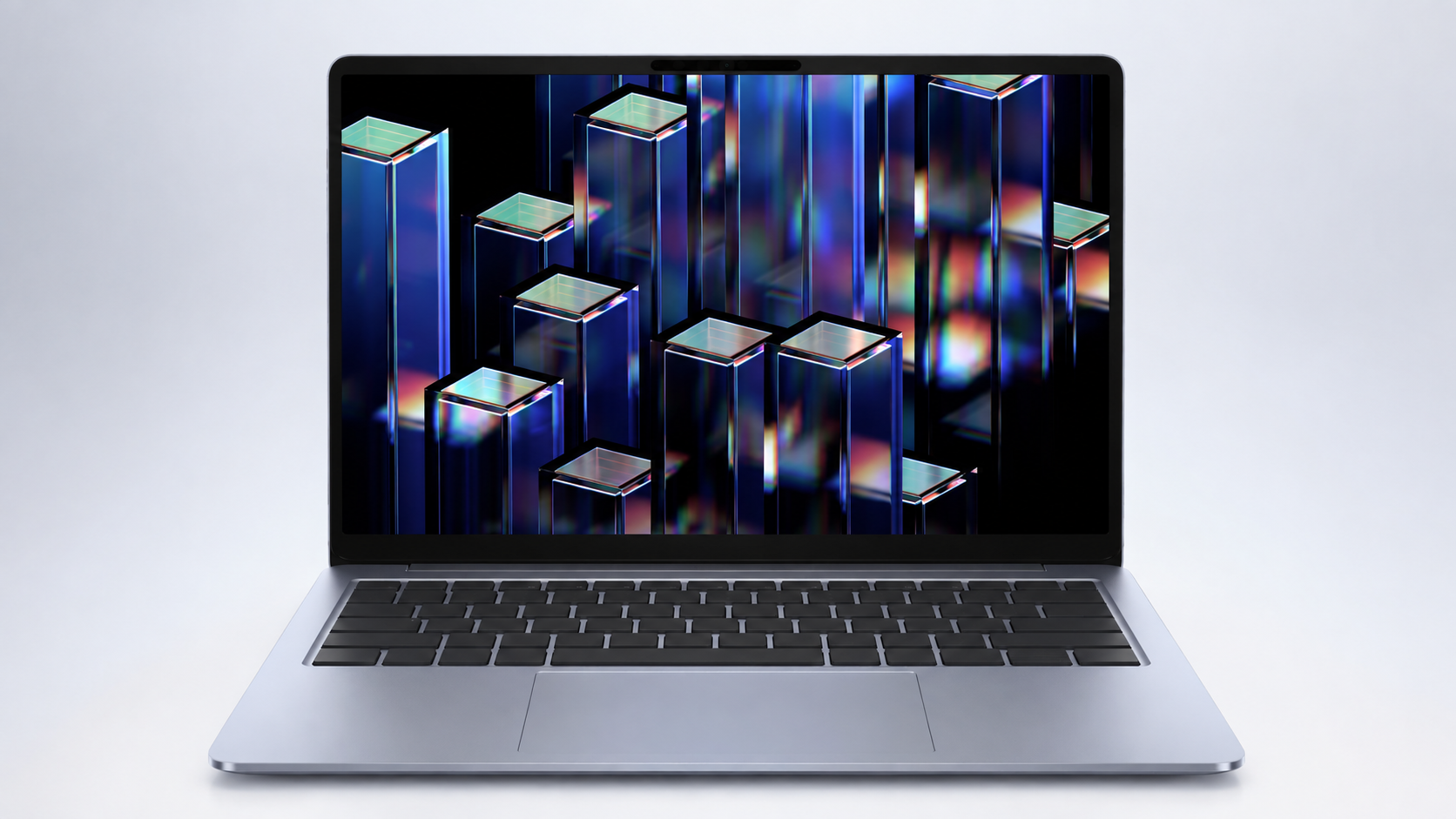
Motorola has just unveiled the Moto Pad 70 Pro, and the standout feature is a built-in PC Mode that turns the tablet into a desktop-style workstation. For Pakistani students, freelancers, and small business owners thinking about their next device, this raises one practical question: is it finally time to swap a laptop for a powerful tablet, or does a proper laptop still make more sense for the money? This guide looks at what the Moto Pad 70 Pro actually offers, what it might cost once it reaches Pakistan, and how to decide between a tablet and a laptop without wasting your budget.
What Is the Moto Pad 70 Pro
The Moto Pad 70 Pro is Motorola's follow-up to last year's Moto Pad 60 Pro. It runs on Qualcomm's Snapdragon 8s Gen 4 chipset with 8GB of RAM, and buyers can pick between 128GB and 256GB of storage, expandable up to 2TB through a microSD card. The tablet ships with Android 16 out of the box, and Motorola has promised two major Android upgrades along with security updates until 2030, a reasonable support window for a tablet in this category.
Display, Battery, and Build
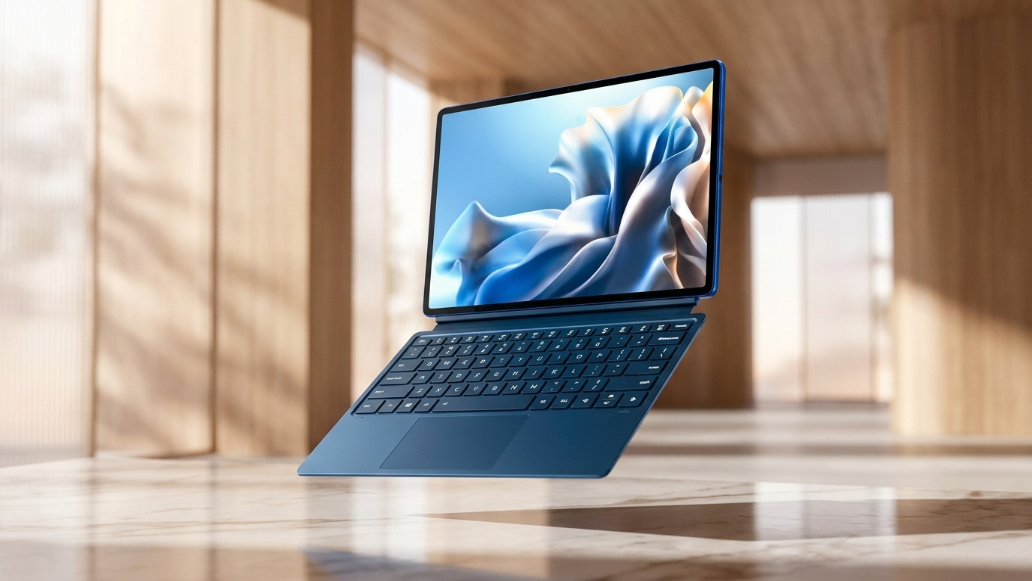
The tablet uses a 13-inch display with 3.5K resolution, a 144Hz refresh rate, 12-bit colour depth, and peak brightness of 800 nits, with Dolby Vision support for richer video playback. Motorola has not confirmed whether the panel is LCD or AMOLED. The metal body is 6.2mm thick and weighs 589 grams, currently sold in a single Titan colour. Battery life comes from a 10,200mAh cell with 45W charging, and a 68W adapter is included even though the tablet itself caps charging at 45W. On the camera side, there's a 13MP rear sensor and an 8MP front camera, paired with four JBL speakers tuned for Dolby Atmos.
What Makes PC Mode Different
PC Mode gives the Moto Pad 70 Pro a desktop-style interface designed for actual productivity work rather than just browsing or streaming. It pairs with Smart Connect, which helps move files and stay connected across compatible Motorola phones, tablets, and computers. Connectivity runs on Wi-Fi 7 and Bluetooth 6.0, but there's no LTE or cellular support, so you'll always need Wi-Fi to get online. A Moto Pen Pro stylus comes included in the box, while the Snap-On Keyboard, essential if you actually want to use PC Mode like a laptop, is sold separately.
What Could It Cost in Pakistan
Internationally, the 8GB/128GB version is priced at $392, the 8GB/256GB version at $423, and the bundle with the Snap-On Keyboard at $487. Motorola has not announced an official Pakistan launch date or PKR pricing yet. Premium tablets like this usually reach the local market either through a delayed official rollout or through grey-market imports, and both routes typically add import duty, currency conversion costs, and reseller margin on top of the international price. If you're budgeting for this device, expect a noticeably higher local price rather than a direct dollar-to-rupee conversion.
Tablet With PC Mode vs a Real Laptop — Which Should You Buy
If your daily work is mostly writing assignments, attending online classes, and browsing, the Moto Pad 70 Pro's PC Mode can feel close enough to a laptop for everyday use. But if you regularly run heavier software, multitask across many windows, or need a full set of ports for accessories, a proper Windows laptop still handles that work more comfortably than a tablet with an attached keyboard. There's also the cost angle: once you add the Snap-On Keyboard to the tablet price, the total often lands close to what a solid mid-range laptop already costs in Pakistan.
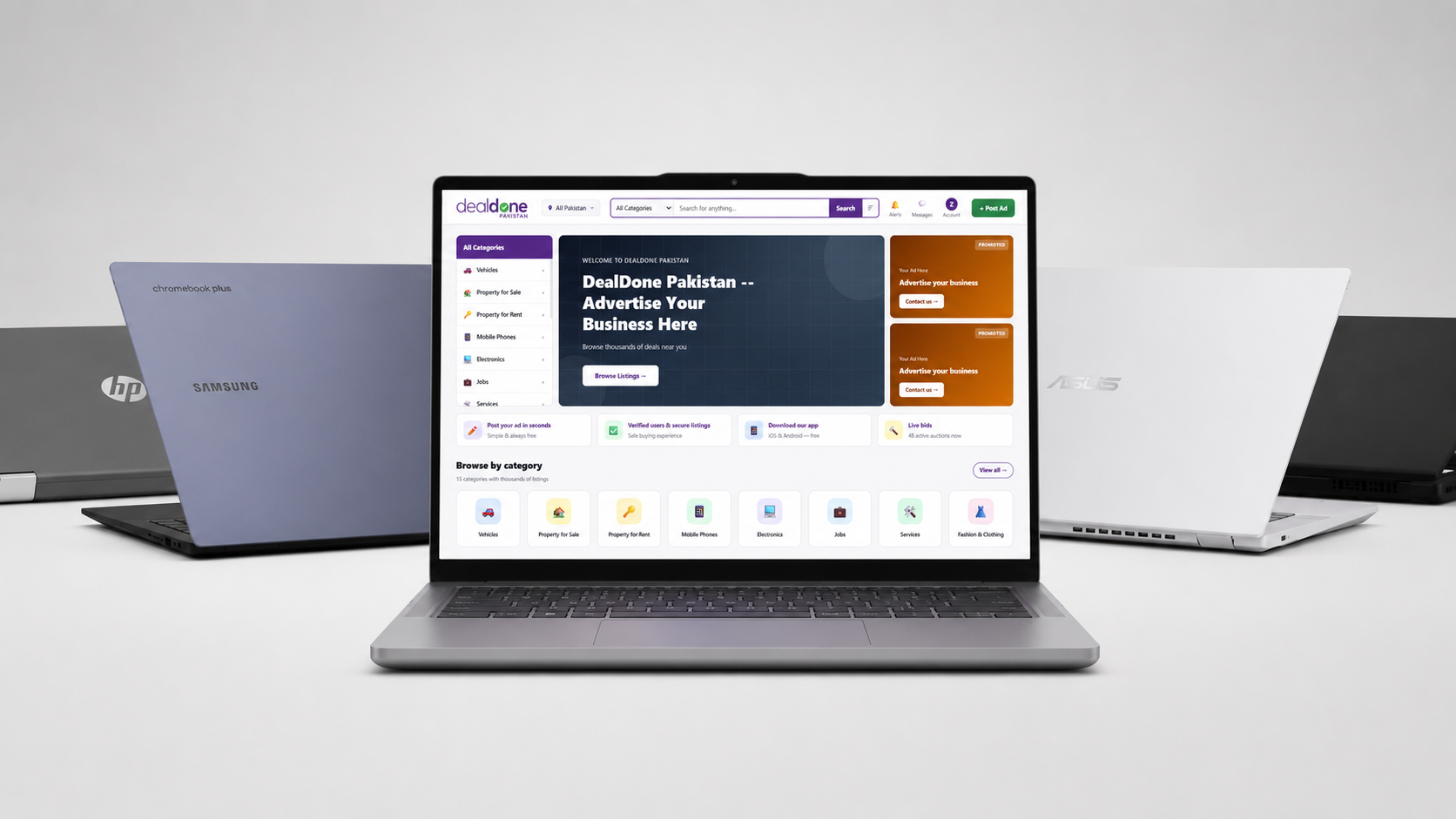
Rather than waiting months for an unconfirmed local launch and an import markup, it often makes more sense to compare what's already available. You can browse laptops and computers on DealDone, where verified sellers list new and second-hand laptops across every budget, so you can see real local prices before deciding whether a tablet upgrade is actually worth it.
Buying Used Electronics Safely in Pakistan
Whether you end up choosing a tablet or a laptop, buying second-hand always carries some risk if you skip the basics. Check the seller's profile and previous listings, ask for the original box or invoice if it exists, and always test the screen, battery, ports, and keyboard in person before paying anything. Meet in a safe, public location, avoid sending advance payment through bank transfer to someone you've never dealt with, and confirm whether any warranty or return window applies. For a deeper walkthrough, our guide on how to quality-check used items before you buy and our online safety tips for classifieds cover this in more detail.
Quick Checklist Before You Buy a Tablet or Laptop
- Decide your main use case: light typing and browsing, or heavier creative and multitasking work
- Check real battery life from reviews, not just the marketed number
- Confirm how many years of software updates are promised
- Add accessory costs, like a keyboard, before comparing total prices
- Test the display and keyboard feel in person if buying second-hand
- Always verify seller credibility before making any payment
If you're leaning towards a laptop instead of waiting on a new tablet, our breakdown of used electronics in Pakistan, what to buy or avoid and our look at Acer's new AI laptops are both useful starting points.
FAQs
What is the Moto Pad 70 Pro's PC Mode?
PC Mode is a desktop-style interface on the tablet built for productivity tasks, letting you work in a layout closer to a computer than a typical tablet home screen.
Has Motorola announced Pakistan pricing for the Moto Pad 70 Pro?
No official Pakistan price or launch date has been confirmed yet. International pricing starts at $392 for the base model, but local pricing will likely be higher once import costs are added.
Can the Moto Pad 70 Pro replace a laptop for university students in Pakistan?
For writing, browsing, and online classes, it can work well. For heavier coursework involving specialised software or constant multitasking, a laptop is usually still the safer choice.
Does the Moto Pad 70 Pro support 4G or 5G SIM cards?
No. The tablet only supports Wi-Fi 7 and Bluetooth 6.0, so it has no built-in cellular connectivity.
Is it better to buy a used laptop or wait for a new tablet in Pakistan?
If you need a device now and your budget is fixed, a verified second-hand laptop usually offers more reliable value than waiting on an unconfirmed import.
How can I safely buy a second-hand laptop on DealDone?
Check the seller's listing history, test the device fully before paying, meet in a safe location, and avoid advance payments to anyone you haven't verified.
Final Thoughts
The Moto Pad 70 Pro is a genuinely interesting upgrade for Motorola's tablet lineup, but PC Mode doesn't automatically make it a laptop replacement for every Pakistani buyer. Students and light users may find it more than enough, while anyone doing serious work is usually better served by a dedicated laptop, especially with local pricing for the tablet still unconfirmed. Before you commit to importing a brand-new device, it's worth comparing what's already listed locally. Explore laptops and computers on DealDone to compare real prices from verified sellers, or post your own listing if you're upgrading and want to sell your current device first.
For more buying guides, deal alerts, and listing updates, stay connected with us on Facebook, Instagram, and LinkedIn, where we regularly share fresh tech and marketplace tips for buyers and sellers across Pakistan.