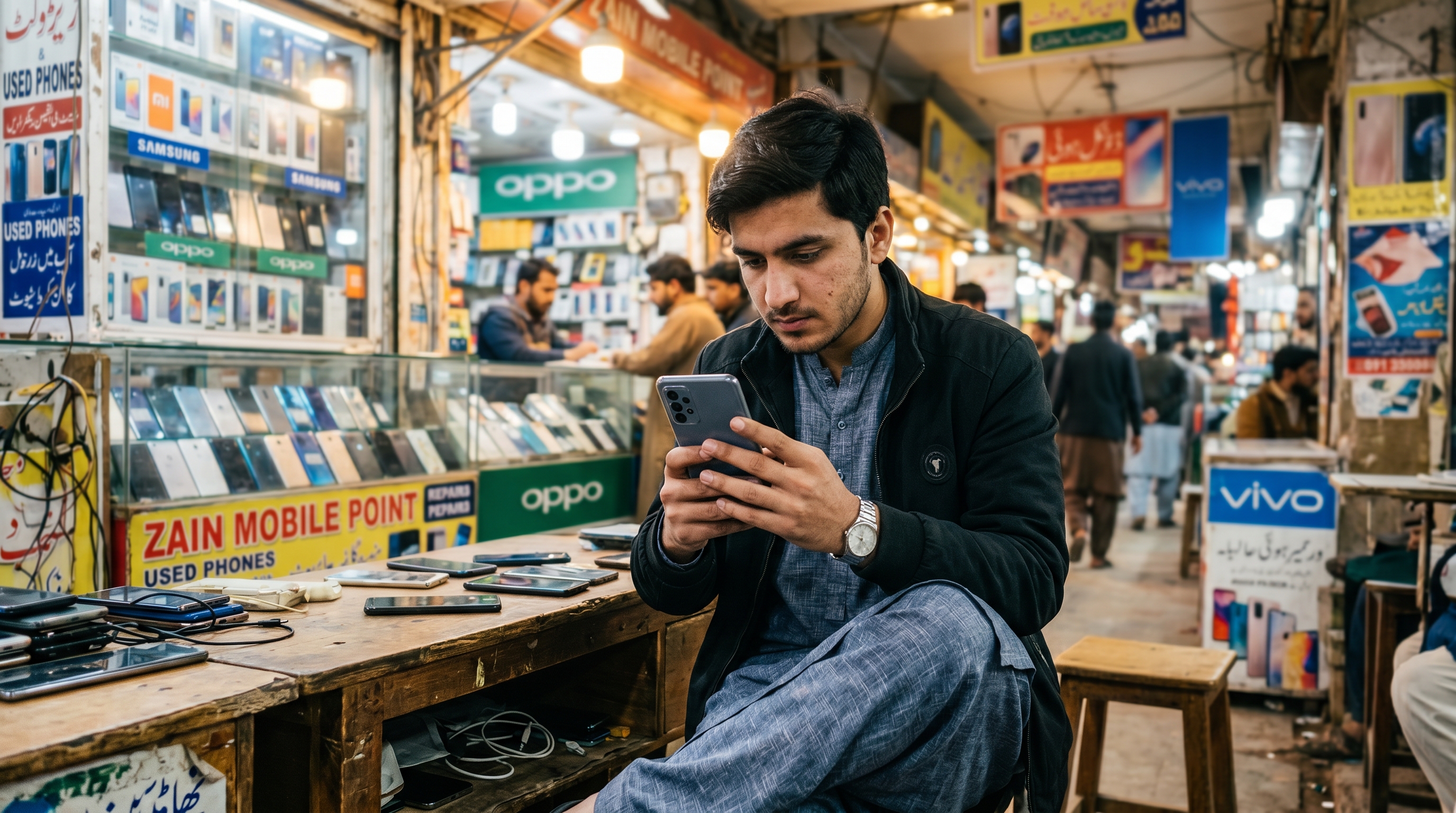
Used phones are everywhere in Pakistan — on street corners in Hafeez Center, WhatsApp groups, and online classifieds. And for good reason: a second-hand phone can save you tens of thousands of rupees. But it can also cost you more than you bargained for if you're not careful.
Whether you're a student looking for your first smartphone or a family upgrading on a budget, this guide will show you exactly how to buy used mobile in Pakistan without falling for the tricks that catch thousands of buyers every year.
Why the Used Phone Market in Pakistan Is Booming
Pakistan has one of the largest second-hand mobile markets in the region. With flagship phones crossing the Rs. 200,000 mark, more buyers are turning to the used market to get quality devices at half the price. Cities like Lahore, Karachi, and Islamabad have dedicated mobile bazaars — but the risks are just as real as the savings.
Scams range from swapped parts and PTCL-blocked phones to outright fakes. Knowing what to check before you hand over cash is the difference between a great deal and a regret.
Step 1 — Always Check the IMEI Number First
The IMEI number is your most powerful tool. Every legitimate phone has one, and it tells you almost everything.
- Dial *#06# on the phone to get the IMEI
- Cross-check it with the box and the Settings > About section — all three should match
- Visit the PTA Device Verification portal to confirm the phone is officially registered and not blocked
A phone with a blocked or unregistered IMEI will stop working on Pakistani networks. This is one of the most common traps in the second-hand phone market in Pakistan. If the IMEI doesn't check out, walk away — no matter how good the price looks.
Step 2 — Inspect the Phone Physically (Don't Skip This)
Pictures lie. Always inspect in person or ask for a live video call before agreeing to buy.
Check these carefully:
- Screen: Look for burn-in, dead pixels, or discoloration under bright light
- Body: Hairline cracks or bends around the frame suggest the phone was dropped
- Buttons and ports: Test every button, the charging port, and the headphone jack
- Back panel and screws: Misaligned screws are a sign the phone was opened — possibly for part replacement
- Cameras: Test both front and back cameras in natural light
- Battery health: On iPhones, check under Settings > Battery. On Android, use a free diagnostic app
A seller who refuses an in-person inspection or keeps rushing you is a red flag.
Step 3 — Run a Full Software Diagnostic
Hardware is only half the story. Before buying, run the phone through a quick software check:
- Factory reset the phone in front of you — this confirms there are no hidden locks or MDM profiles
- Check iCloud lock on iPhones by going to iCloud.com/activationlock with the IMEI
- For Android phones, confirm the Google account is fully signed out
- Test Wi-Fi, mobile data, calls, and Bluetooth in real time
A phone that can't be reset or still has someone else's account on it is not yours yet — legally or practically.
Step 4 — Know the Fair Market Price
One of the easiest ways to overpay — or to fall for a scam — is not knowing what the phone should actually cost. Research the going rate before you meet any seller.
Browse active used phone listings in Pakistan on platforms like DealDone to see real asking prices from real sellers across Karachi, Lahore, and Islamabad. This gives you a realistic benchmark and negotiating power.
If a deal is priced significantly below market value with no clear reason, treat it as suspicious. Good deals exist — suspiciously good ones usually aren't.
Step 5 — Meet Safely and Pay Smart
For safe online phone buying in Pakistan, how and where you meet matters.
- Always meet in a public place — a busy café, a market, or ideally inside a phone shop where staff are present
- Bring a friend who knows phones if you're not confident
- Never pay the full amount upfront for a courier-based deal with someone you've never met
- Avoid bank transfers to strangers until you've physically received and verified the phone
- Cash on delivery is safer for courier purchases — only release payment after inspection
Scammers often create a sense of urgency ("I have three other buyers") to pressure you into skipping checks. Don't rush. A legitimate seller will give you time.
Red Flags to Watch Out For
Here's a quick checklist of warning signs when buying a second-hand phone in Pakistan:
- ❌ Seller won't meet in person or via video call
- ❌ Price is 40–50% below market with vague explanation
- ❌ IMEI doesn't match the box or shows as blocked
- ❌ Phone can't be factory reset or has a locked account
- ❌ Seller pushes for advance payment via EasyPaisa/JazzCash before delivery
- ❌ Photos look professionally taken (stolen from online listings)
- ❌ Seller becomes aggressive when you ask questions
Where to Find Genuine Used Phones Online in Pakistan
The safest place to start your search is a marketplace where listings come from real, local sellers — not anonymous resellers with no accountability.
Browse verified used mobile listings on DealDone to find phones listed by individual sellers across Pakistan's major cities. You can filter by city, brand, and price range — and connect directly with the seller to arrange an inspection.
If you're looking to sell your old phone, you can also post a free listing on DealDone and reach genuine buyers without paying any commission.
For more smart buying tips, read our guide on how to quality check used items in Pakistan before you buy and our online safety tips for classifieds in Pakistan.
FAQ — Buying Used Phones in Pakistan
1. How do I verify a used phone is not stolen in Pakistan? Dial *#06# to get the IMEI number, then check it on the PTA Device Verification portal. A stolen or illegally imported phone will either be blocked or unregistered. Always confirm the IMEI matches the box and Settings before buying.
2. What is the safest way to buy a second-hand phone online in Pakistan? Use a trusted local marketplace, always inspect the phone in person or via live video before payment, and only pay through cash on delivery when buying from an unknown seller. Never send advance payment to strangers.
3. How can I check if a used iPhone is iCloud locked in Pakistan? Go to icloud.com/activationlock and enter the device's IMEI or serial number. If it shows as locked to another Apple ID, do not buy it — you won't be able to use it.
4. Are used phones on classifieds sites in Pakistan reliable? They can be, if you follow the right checks. Platforms like DealDone connect you with local, individual sellers. Always meet in person, test the device thoroughly, and use the IMEI and PTA checks before completing any transaction.
5. What is a fair price for a second-hand phone in Pakistan? It varies by brand, model, and condition. The best approach is to browse current listings on DealDone to see what similar phones are selling for right now in your city. This gives you a realistic market benchmark.
6. Can I return a used phone if there's a problem after buying? There is typically no return policy for private second-hand sales in Pakistan unless both parties agree upfront. This is why inspecting the phone thoroughly before payment is critical. Never pay in full until you are completely satisfied.
Conclusion
Buying a used mobile phone in Pakistan doesn't have to be risky. It just requires a bit of preparation. Check the IMEI, inspect the phone in person, run a factory reset, know the fair price, and always meet in a safe location.
The savings are real — and so are the risks if you skip the basics. Use the right platform and follow these mobile buying tips, and you'll get a great phone at a great price without any regrets.
Ready to find your next phone? Browse used mobile listings on DealDone and buy with confidence today.
Follow DealDone on Facebook, Instagram, and LinkedIn for the latest listings, tips, and marketplace updates from across Pakistan.